
Office Moving Cost Calculator: What Affects Your Final Price
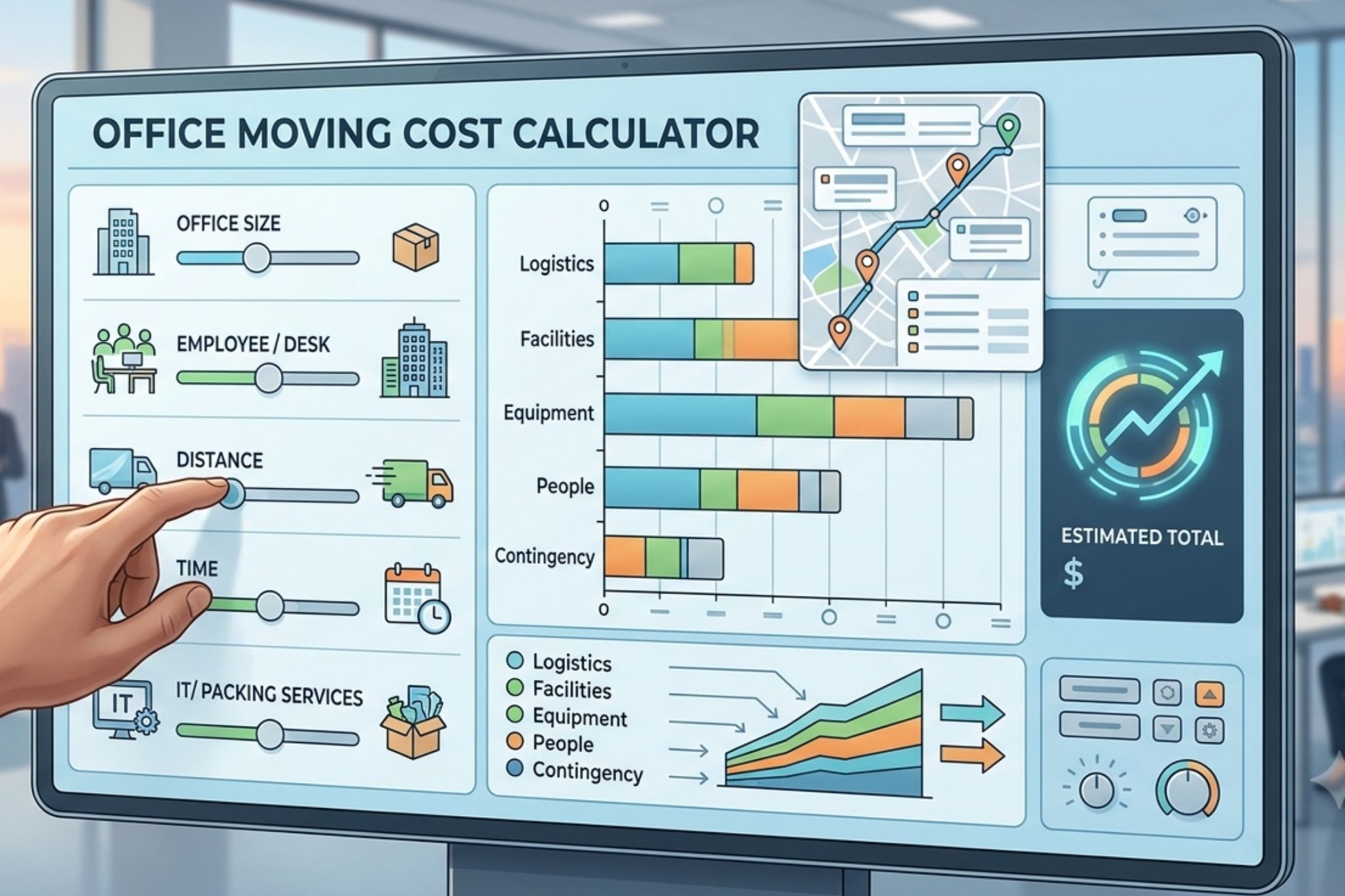
Office Moving Cost Calculator: Every office move is priced differently, because no two offices look the same on moving day. Before you request a quote — or run the numbers through a moving cost calculator — it helps to understand exactly what variables move companies weigh when they build your estimate. Here’s what actually shapes your final price, and how to use that knowledge to plan a smarter, more predictable move.
Rapid Office Movers put this guide together to help you walk into your quote request informed, not guessing.
Office Moving Cost Calculator
1. Office Size (Square Footage)
Square footage is the starting point for almost every estimate. More space generally means more furniture, more equipment, and more boxes — which translates directly into more labor hours. A calculator will typically ask for your current square footage and sometimes your destination square footage, since a move into a larger space may require more setup time on the receiving end.
2. Number of Employees / Workstations
Headcount is a quick proxy for volume, but it’s not the whole story. A calculator that only asks “how many employees?” is making assumptions — a 10-person office of laptops and light desks moves very differently than a 10-person office with private offices, filing systems, and heavy furniture. The best estimates combine employee count with a description of what’s actually in the space.
3. Furniture and Equipment Type
Not all inventory is priced equally:
- Standard items (desks, task chairs, filing cabinets, bookshelves) are the baseline of most estimates.
- Modular or cubicle systems often require disassembly and reassembly, adding labor time on both ends.
- IT equipment — servers, networking gear, multiple monitors, copiers — may need specialty packing, crating, or a dedicated IT-move specialist.
- Oversized or heavy items (safes, conference tables, industrial equipment) are frequently quoted as separate line items rather than folded into hourly labor.
4. Crew Size and Hours
Movers price by the crew-hour: a certain number of movers working for a certain number of hours. A calculator estimates this by cross-referencing your square footage and inventory against typical job durations. Larger crews cost more per hour but often complete the job faster — which can lower your total cost and, just as importantly, your business downtime.
5. Building Access
This is the factor most people underestimate, and the one that causes the biggest gap between an online calculator estimate and your final invoice:
- Elevator access — is there a dedicated freight elevator, or will movers be competing with tenants for a shared elevator?
- Loading dock availability — docks speed up loading dramatically compared to curbside unloading.
- Parking and permits — restricted downtown streets or loading zones may require advance permits.
- Stairs or long carries — any distance between the truck and your suite beyond a short walk typically adds time.
If your online calculator doesn’t ask about building access, treat its number as a rough starting point rather than a final figure.
6. Distance Between Locations
Local moves within the same metro area are usually priced by time, but travel time between your old and new address still counts toward your total hours. Moves that cross into a different region or state shift to a completely different pricing model, typically based on weight and mileage rather than hourly labor.
7. Timing and Scheduling
When you move matters:
- Weekday business hours are typically the most cost-efficient window.
- Evenings and weekends minimize disruption to your team but may carry a scheduling premium.
- Peak season (summer, end of quarter, end of lease cycles) can mean less availability and higher demand.
8. Packing and Additional Services
Most base estimates assume your team packs desks and personal items into provided boxes. Add-ons that affect the calculator’s output include:
- Full-service packing and unpacking
- Furniture disassembly/reassembly
- IT disconnect/reconnect services
- Short- or long-term storage between move-out and move-in
- Debris removal and old-furniture disposal
9. Insurance and Liability Coverage
Commercial buildings almost always require a Certificate of Insurance from your moving company before granting elevator or loading dock access. Higher-value equipment (servers, specialized machinery) may also call for additional liability coverage, which some calculators factor into the estimate and others don’t — so it’s worth asking directly.
Why Two Calculators Can Give You Two Different Numbers
Online cost calculators vary widely because they weigh these factors differently — some rely heavily on square footage, others on employee count, and few account for building access at all. That’s why a calculator estimate should be treated as a starting range, not a quote. The most accurate number comes from a walkthrough or virtual survey, where a mover can see your actual inventory and building conditions firsthand.
How to Get the Most Accurate Estimate Possible
- Have your square footage and employee count ready, but also describe what’s actually in the space (furniture type, IT equipment, filing systems).
- Know your building’s access details — elevator type, loading dock, parking restrictions — before you request a quote.
- Decide your timing preference early (business hours vs. after-hours) since it affects both price and crew availability.
- List any specialty items (servers, safes, oversized furniture) separately so they’re not missed in a general estimate.
- Ask whether the estimate is hourly or flat-rate, and what’s included versus billed as an add-on.
- Request a walkthrough or virtual survey for anything beyond a very small, simple move — it’s the single biggest driver of estimate accuracy.
Frequently Asked Questions
Are online office moving cost calculators accurate? They’re a useful starting point for budgeting, but most don’t account for building access, specialty equipment, or timing preferences — all of which can meaningfully shift your final price.
What’s the single biggest factor that changes an estimate? Building access (elevators, loading docks, parking, and carry distance) is the factor most likely to cause a gap between a calculator’s estimate and your actual invoice.
Should I get a walkthrough instead of relying on a calculator? For anything beyond a very small office, yes. A walkthrough or virtual survey lets a mover account for your actual inventory and building conditions, producing a far more reliable number.
Does a flat-rate quote protect me from calculator inaccuracies? Yes, as long as the scope is clearly defined upfront (confirmed inventory, access details, and timeline). A flat rate locks in your number regardless of how long the job actually takes.
What information should I have ready before requesting a quote? Square footage, employee/workstation count, a general description of furniture and equipment, building access details, and your preferred moving window.
Get a Real Number from Rapid Office Movers
A calculator can point you in the right direction, but the only way to know exactly what your move will cost is a quick walkthrough or virtual survey with a team that moves offices every day. Rapid Office Movers will walk you through every factor above, flag anything that could affect your price, and give you a clear hourly or flat-rate quote before moving day — no surprises on the invoice.
Ready for an accurate estimate? Contact Rapid Office Movers today to schedule your free walkthrough or virtual survey.