IT Relocation in Los Angeles: What Actually Gets Your Systems Back Online Fast
IT Relocation in Los Angeles: Physically transporting a server from one building to another is the easy part of an IT relocation. The part that actually determines whether your team is working again the next morning, or still troubleshooting three days later, happens before and after the truck ride: planning the disconnection, protecting the equipment, and executing a reconnection that’s tested, not just plugged in and hoped for.
IT Relocation in Los Angeles
Here’s what actually goes into an IT relocation that gets a Los Angeles office back online quickly, and what tends to slow it down when it isn’t planned well.
Why “We’ll Move Your Computers” Isn’t the Same as “We’ll Get You Back Online”
A lot of moving quotes cover physical transport of computers, servers, and networking equipment. Far fewer clearly spell out what happens after the truck arrives: disconnecting cabling correctly, labeling everything so it goes back together right, and testing that systems actually function at the new location before calling the job done. Businesses that don’t ask this question upfront sometimes discover, on move-in day, that “we moved your IT equipment” meant exactly that and nothing more.
What Actually Speeds Up Reconnection
Detailed labeling before anything gets disconnected. Every cable, port, and connection should be documented and labeled before disassembly starts. This single step prevents more delays than almost anything else, since reassembly guesswork is one of the biggest time sinks in an IT relocation.
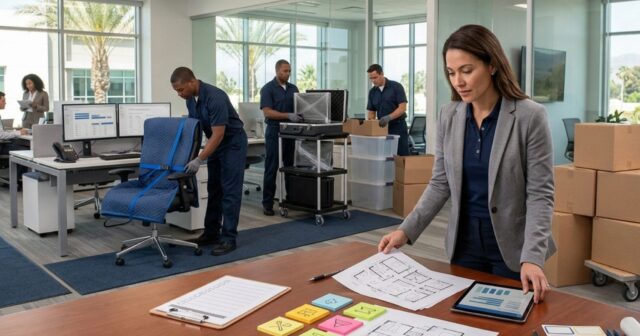
A clear map of the new space before moving day. Knowing exactly where each workstation, server rack, or piece of equipment will go at the new location, confirmed in advance, means setup can happen immediately rather than being figured out on the spot.
Coordinating with your internal IT team or vendor, not working around them. Whoever manages your network needs to be part of the relocation plan from the start, not looped in after the physical move is already scheduled. Network cutover timing, especially for anything involving internet service providers, often has its own lead time that has nothing to do with the moving truck.
Testing before declaring the job finished. Equipment being physically placed and cabled is not the same as equipment being confirmed functional. A reconnection process that includes testing, checking that systems actually power on, connect, and communicate correctly, catches problems while the crew is still on-site, not after they’ve left.
Building in a buffer for internet and utility timing. If new internet service needs to be installed or activated at the destination, that timeline is often controlled by a third-party provider, not your moving company. Confirming this well in advance avoids a scenario where the physical move is done perfectly, but there’s no internet connection waiting for it.
What Slows a Reconnection Down
Skipping the labeling step and relying on memory during reassembly. Not confirming the new space’s electrical and network infrastructure can actually support the equipment being installed. Scheduling the move without coordinating internet or utility activation timelines in advance. Treating IT equipment like standard office furniture instead of planning for it specifically. And discovering compatibility or configuration issues only after everything is already unpacked and connected.
Questions Worth Asking Before You Book
Does this quote include reconnection and testing, or just physical transport? How do you handle cable labeling and documentation before disassembly? Will you coordinate directly with our IT team or vendor on cutover timing? What happens if something doesn’t power on or connect correctly at the new location?
A company with real experience in IT relocation will have specific answers to all of these, not general reassurance.
How We Approach IT Relocation
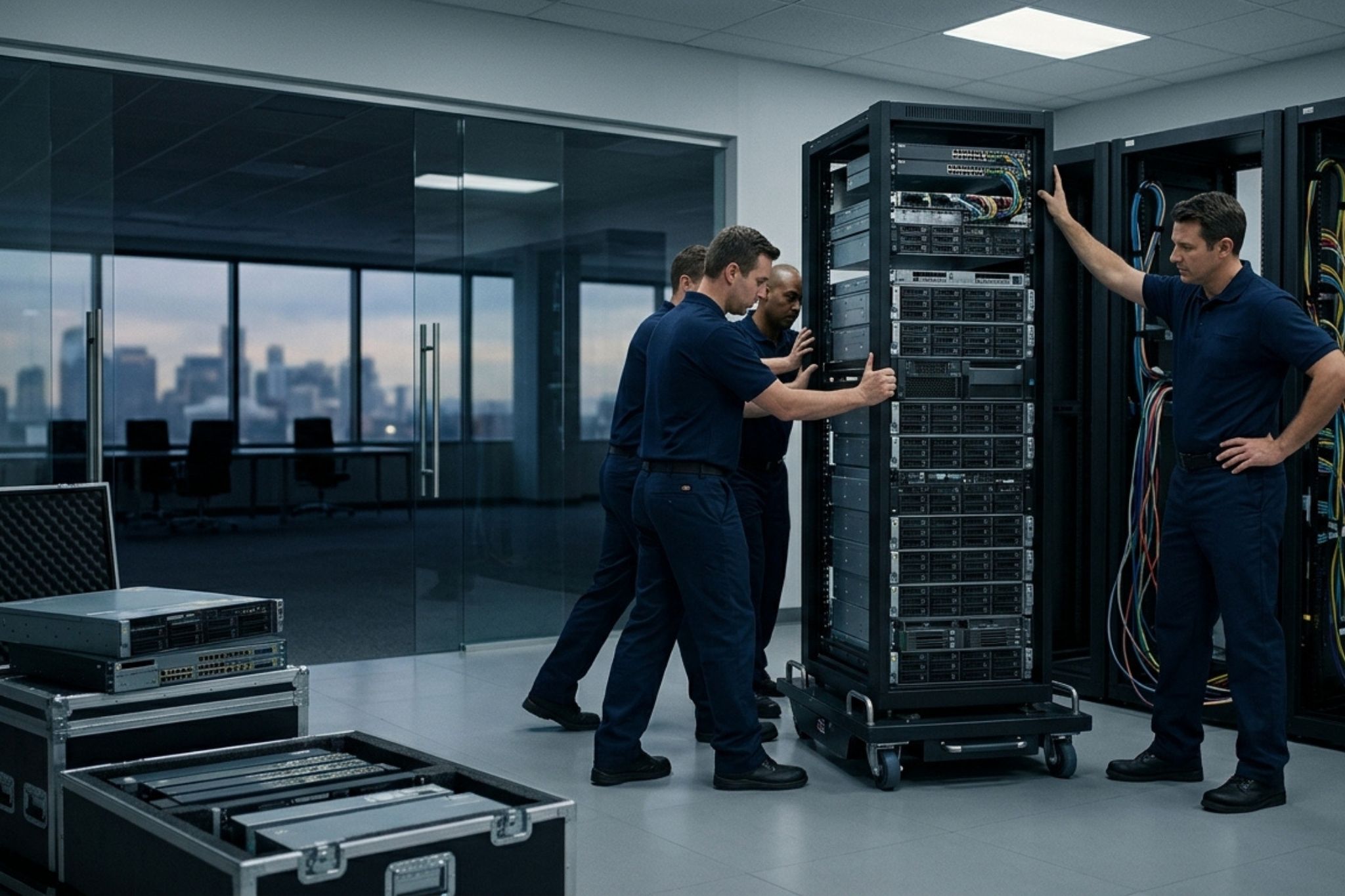
We treat IT equipment as its own category within a move, not a subset of general office furniture. That means detailed labeling before anything is disconnected, direct coordination with your internal IT team or vendor on timing, and testing equipment at the new location before considering the job complete. If internet or utility activation is part of the timeline, we build our scheduling around that reality rather than assuming it’ll work itself out.
Frequently Asked Questions
Does moving a server include reconnecting it at the new location? Not always. It’s important to clarify directly whether a quote covers physical transport only, or also includes reconnection and testing once equipment arrives at the new space.
What’s the biggest cause of delays in an IT relocation? Skipping detailed cable labeling before disassembly is one of the most common causes, since it turns reassembly into guesswork rather than a straightforward process.
Should our internal IT team be involved in planning the move? Yes. Coordinating directly with whoever manages your network, rather than looping them in after the move is already scheduled, helps avoid timing conflicts, especially around internet service activation.
How do I know if IT equipment is actually working after a move, not just physically placed? A proper relocation process includes testing on-site, confirming systems power on, connect, and communicate correctly before the crew considers the job finished.
Does Rapid Office Movers coordinate with internal IT teams during a relocation? Yes, we treat IT equipment as its own planning category and coordinate directly with your IT team or vendor on timing, labeling, and reconnection.
Planning an IT-Heavy Office Relocation?
If your move involves servers, workstations, or networking equipment, we’re happy to walk through how we’d approach labeling, coordination, and reconnection specifically.
Reach out to Rapid Office Movers for a consultation.